

The Commission Lifecycle
The commission process follows five stages:Stage 1: Define Commission Templates
An administrator creates commission templates that define how a particular role is compensated. A template includes:- A base commission (e.g., 50 bps on loan amount, or $500 flat per loan)
- Optional commission rules that override the base for specific loan scenarios
- Optional special case groups for complex condition-based overrides
- An optional performance booster that adds bonuses when volume or unit thresholds are met
- Optional file fees deducted from commissions
Stage 2: Assign Employees to Templates
Once a template is configured, employees with the matching role are assigned to it. Assignment creates employee-bound commission rules in the system — copies of the template’s base commission and any override rules, linked to that specific employee. When a template is updated, assignments can be synced so all employees under that template receive the updated commission structure.Stage 3: Loans Enter Pay Periods
When loans are funded, they are automatically grouped into pay periods based on the company’s payroll schedule. Keystone supports four pay period frequencies:- Weekly — 7-day periods
- Biweekly — 14-day periods
- Semi-Monthly — two periods per month (typically 1st-15th and 16th-end)
- Monthly — one period per calendar month
Stage 4: Calculate and Finalize
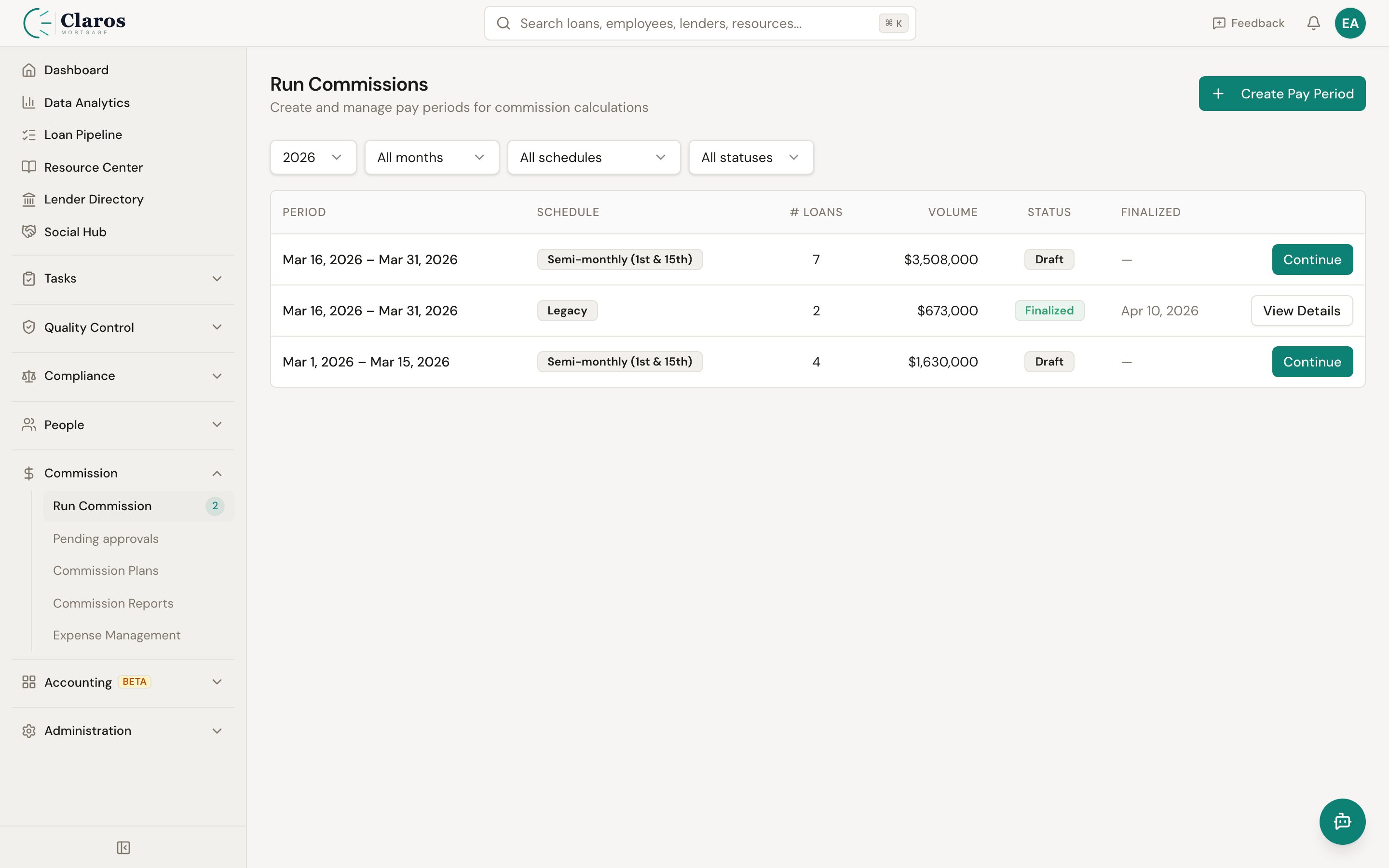
When a pay period is ready for review, the commission engine runs:- Rule matching: For each loan, the engine finds the most specific matching commission rule for the loan officer, any assistants, processors, and branch managers.
- Gross commission calculation: The matched rule’s commission amount is applied to the loan’s basis (loan amount or broker compensation).
- File fee deduction: If the rule includes a file fee, it is subtracted from the gross commission.
- Performance bonus: If the rule is linked to a performance booster condition, the engine checks whether the employee meets the threshold and adds the bonus.
- Deductions from loan officer: If assistant, processor, or branch manager commissions are configured to “deduct from loan officer,” those amounts are subtracted from the LO’s net commission.
- Adjustments: Loan-level adjustments (manual line items that apply to commissions) are factored into the loan officer’s net.
- Employee summaries: The engine aggregates per-loan results into per-employee totals, factoring in expenses and draw balance logic.
- Locks the pay period (it can no longer be modified)
- Records the final draw balances for each employee
- Updates each employee’s running draw balance
- Snapshots which commission rules were used
- Generates accounting journal entries for commission accruals
Stage 5: Reports and Export
Finalized (and draft) pay periods are available in the Reports section. Reports provide:- Per-employee summaries with loan count, gross commission, file fees, expenses, draw data, and net pay
- Per-loan breakdowns showing how each loan’s commission was calculated
- Individual employee detail reports with line-by-line commission items grouped by role
- CSV export for both detail and summary views
How Commissions Are Calculated
The following diagram illustrates the calculation flow for a single loan:Commission Amount Types
All commission amounts (base, rules, file fees, performance bonuses) can be expressed as:Commission Basis
The basis determines what dollar amount the percentage or bps is applied to:File Fees
A file fee is a flat or percentage amount deducted from the commission per loan. File fees can be applied on different bases:- Loan Amount — fee calculated as a percentage of loan amount
- Loan Revenue — fee calculated on loan revenue
- Gross Commission — fee calculated on the gross commission itself
- Net Commission — fee calculated after other deductions
Minimum and Maximum Commission
Both templates and rules support optional minimum and maximum commission amounts. After the commission is calculated, it is clamped to these bounds. For example, a rule might specify a minimum of $300 and a maximum of $5,000 per loan.Role-Based Processing
The commission engine processes each loan for multiple roles:Draw Balance System
Many mortgage companies pay loan officers a guaranteed minimum (a “draw”) each pay period. The draw system in Keystone tracks:- Wage paid: The guaranteed minimum payment (calculated from hourly rate or flat draw amount)
- Previous draw balance: Any accumulated deficit from prior periods
- Draw balance payment: If commissions exceed the draw, excess pays down the draw balance
- Draw balance carried over: Remaining deficit after payment (or new deficit if commissions fall short)
- Net pay: The actual amount paid to the employee