

Why task management matters in mortgage operations
Mortgage companies juggle a constant stream of operational, compliance, and administrative work that goes beyond individual loan files. Examples include:- Compliance deadlines — Quarterly HMDA reporting, annual BSA/AML reviews, policy update cycles.
- Employee onboarding — License verification, system access provisioning, training completion tracking.
- Employee offboarding — Revoking access, transferring pipeline, collecting equipment.
- Licensing — State license renewals, continuing education tracking, NMLS updates.
- IT and HR — Equipment requests, benefits enrollment, performance reviews.
- Recurring audits — Monthly QC file reviews, branch compliance checks, investor document audits.
Key concepts
Tasks
A task is a single unit of work with a title, description, and a set of properties that track its lifecycle:Categories
Categories are labels that group tasks by function or department. Keystone ships with a set of default categories:- Compliance
- Onboarding
- Offboarding
- Licensing
- HR
- IT
- General
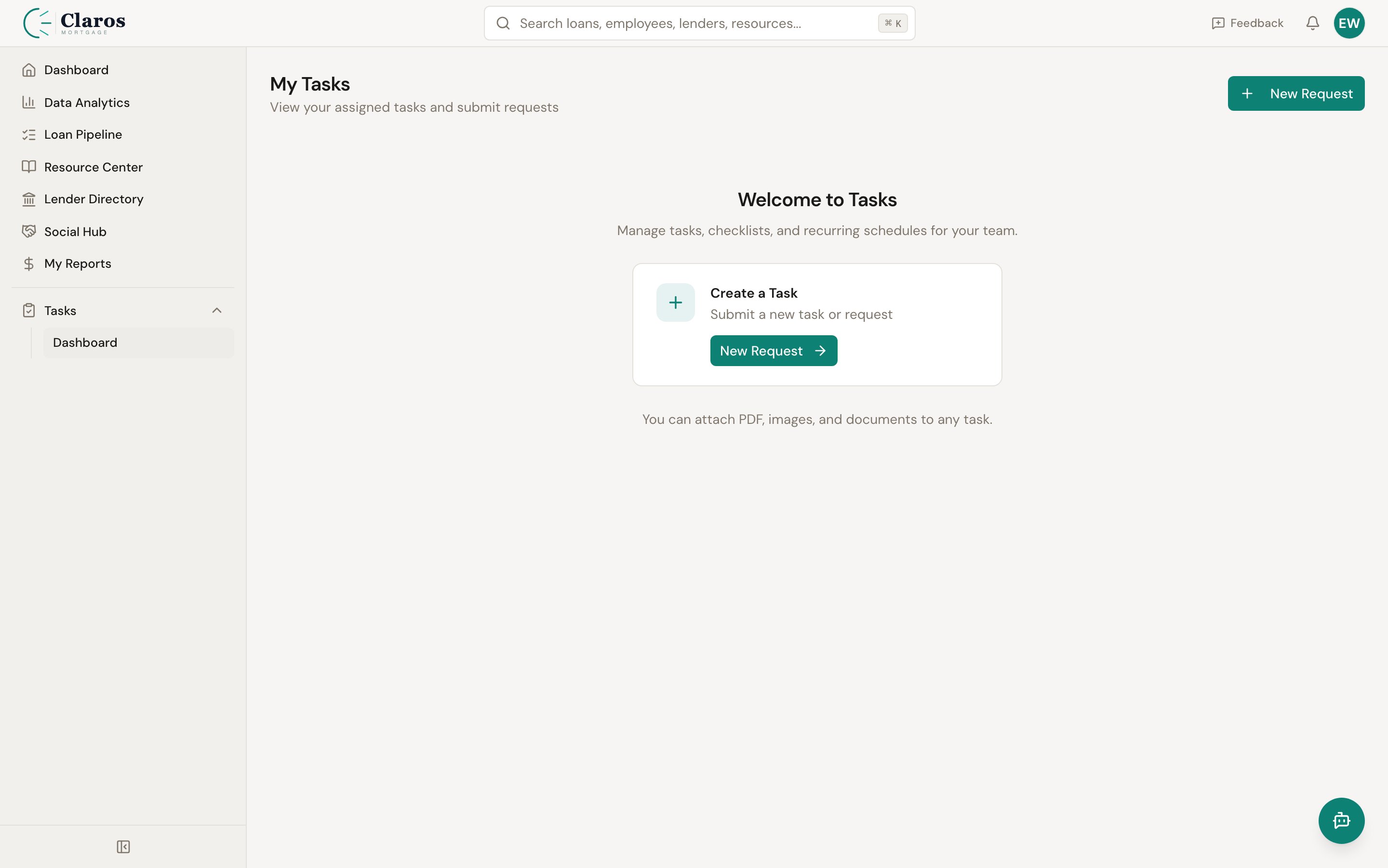
Task dashboard
The task dashboard provides an at-a-glance view of your company’s task workload. It displays four key metrics:
Below the metrics, a filterable task table shows all top-level tasks. You can filter by status, priority, assignee, category, and due date range. A search bar lets you find tasks by title or description.