Documentation Index

Fetch the complete documentation index at: https://docs.keystn.com/llms.txt

Use this file to discover all available pages before exploring further.

Quality control overview

What is quality control in mortgage lending?

Quality control (QC) is the process of reviewing closed or funded mortgage loans to verify that they were originated correctly, all required documentation is present, and all regulatory requirements were met. Federal agencies, GSEs (Fannie Mae and Freddie Mac), and investors require lenders and brokers to maintain a QC program that audits a sample of their production each month. A strong QC program helps your company:
  • Stay compliant with TRID, ECOA, RESPA, HMDA, and state-specific regulations
  • Catch errors early before they become costly buyback requests or audit findings
  • Satisfy investor requirements for post-closing reviews
  • Identify training opportunities when the same issues appear repeatedly
  • Document due diligence with a clear audit trail

How QC works in Keystone

The QC module has three core components that work together:

1. QC Templates

Templates define the questions your reviewers will answer for each loan. A template is a reusable checklist of items organized by category — Loan Application & Disclosures, Income & Employment, Compliance, and so on. Templates can be scoped to specific loan types, purposes, channels, or property states, so an FHA loan gets FHA-specific questions while a Conventional loan does not. See QC Templates for details on creating and managing templates.

2. QC Reviews

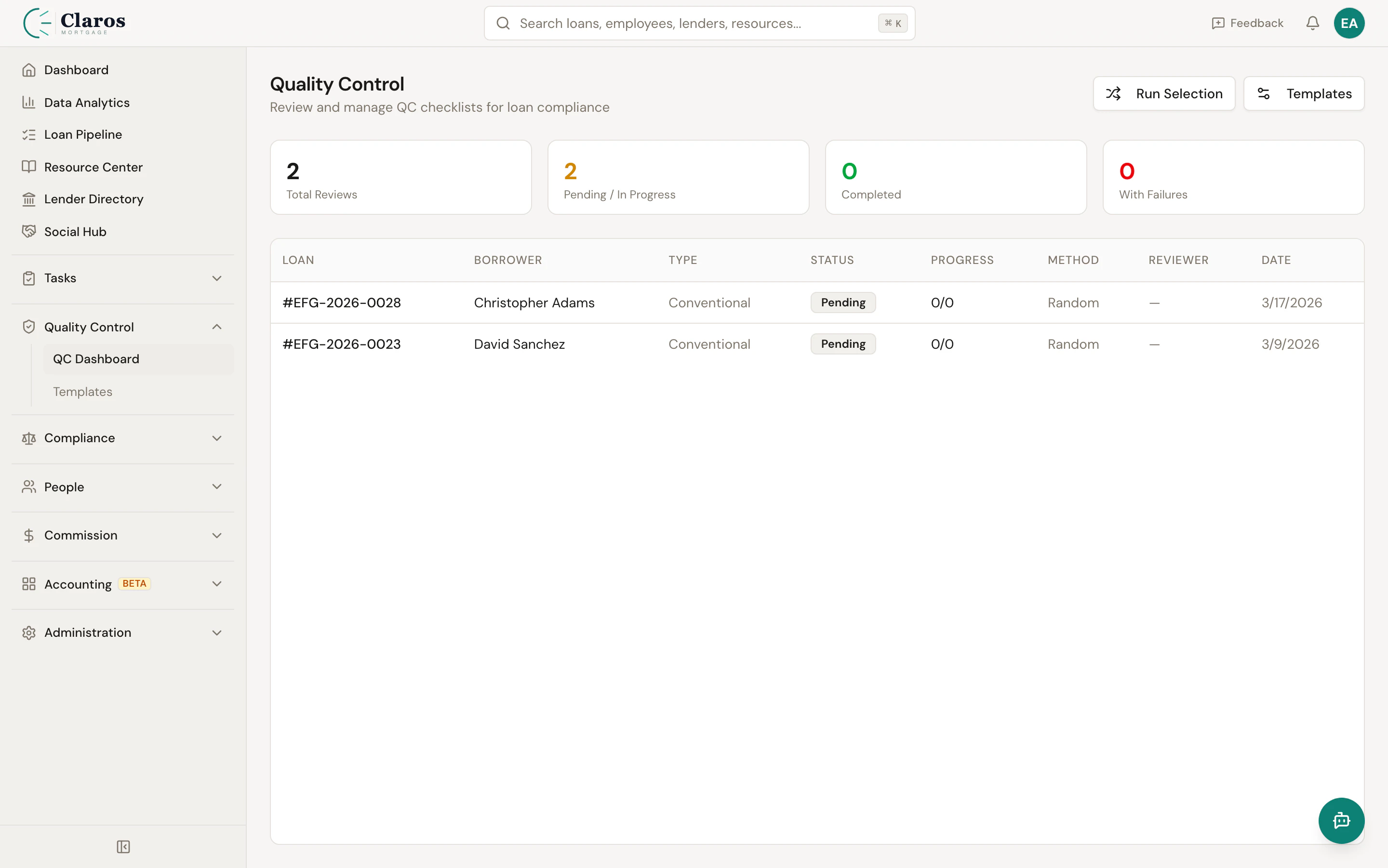
A QC review is the act of auditing a specific loan against a template. When a review is created, the template’s checklist items are copied onto the review as individual line items. A reviewer then works through each item, marking it as Pass, Fail, or N/A, and optionally adding notes. Once every item has been evaluated, the review can be completed. See QC Reviews for details on conducting and managing reviews.

3. Loan selection

Loans can be selected for QC review in three ways:
MethodDescription
RandomThe system randomly selects a configurable percentage of eligible loans from a given month
ManualA user manually assigns a specific loan for QC review
TargetedA user selects a loan for review due to a specific concern (e.g., investor request, complaint)
Random selection is configured under QC Settings, where you set the selection percentage and define which loan statuses are eligible (typically Funded or Closed).

The QC review workflow

The following diagram shows the typical lifecycle of a QC review, from loan selection through completion.
Loan reaches eligible status (Funded / Closed)
        |
        v
   Loan selected for QC
   (Random, Manual, or Targeted)
        |
        v
   Review created with status: Pending
   Template items copied to review
        |
        v
   Reviewer begins evaluating items
   Status auto-changes to: In Progress
        |
        v
   Each item marked Pass / Fail / N/A
   Pass, Fail, and N/A counts updated in real time
        |
        v
   All items reviewed?
    /          \
  No            Yes
   |              |
   v              v
 Continue     Complete review (or Waive)
 reviewing    Add overall notes
                |
                v
            Status: Completed (or Waived)
            completedAt timestamp recorded

QC settings

Before running your first QC selection, configure your QC settings under Administration > Company Settings > Quality Control:
SettingDescriptionDefault
Selection PercentageThe percentage of eligible loans to randomly select each month10%
Eligible Loan StatusesWhich loan statuses qualify a loan for QC selectionFunded, Closed
Auto-SelectWhether to automatically run random selection at the start of each monthOff

Seeding the default template

If you have not yet created any QC templates, the Settings page offers a one-click option to seed a Standard QC Checklist with approximately 55 industry-standard review items covering all major compliance areas. This gives you a production-ready starting point that you can customize later.