

Why policy management matters in mortgage lending
Mortgage companies operate under a web of federal, state, and investor regulations. Maintaining up-to-date, accessible policies is not optional — it is a compliance requirement. Common pain points that Keystone addresses:- Regulatory audits — Examiners expect you to produce current policies on demand. Keystone keeps every policy versioned and timestamped so you can demonstrate exactly what was in effect at any point in time.
- Distributed teams — Loan officers, processors, and branch managers need access to the same procedures regardless of location. A centralized library ensures everyone works from the same playbook.
- Stale documents — When policies live in shared drives, outdated versions linger. Keystone status management (Draft, Published, Archived) makes it clear which version is authoritative.
- Access control — Not every employee should see every policy. Compensation structures, disciplinary procedures, and executive-level documents can be restricted to specific people or roles.
Key concepts
Policies
A policy is a single document with a title and rich-text body. Each policy has:- Content authored in the built-in rich text editor or imported from an uploaded file.
- A status that controls visibility: Draft, Published, or Archived.
- Optional assignment to a folder for organization.
- Tags for additional categorization and search.
- A record of who created and last edited the policy, and when it was published.
Folders
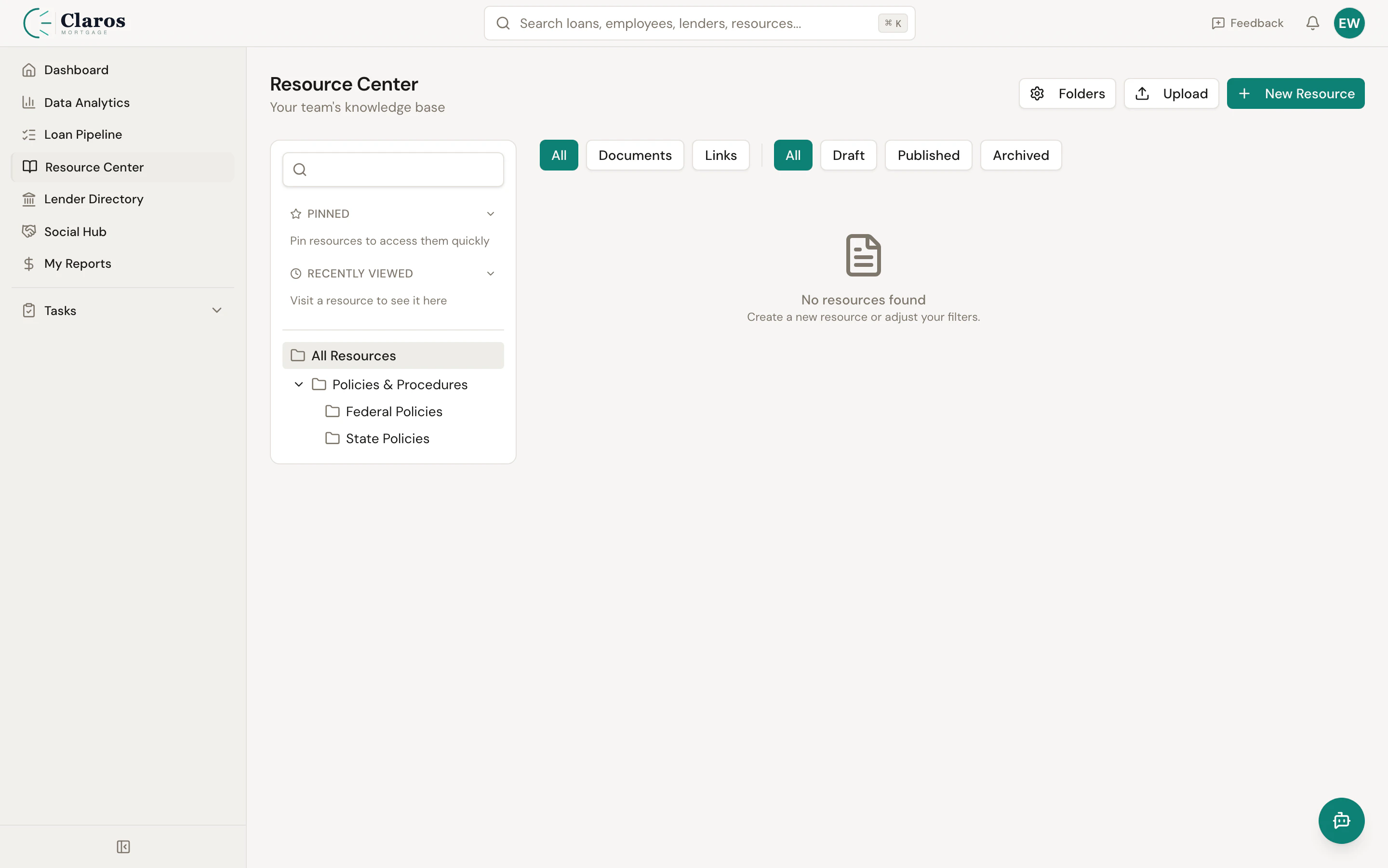
Folders provide hierarchical organization for your policy library. Folders can be nested inside other folders to create a tree structure — for example,Compliance > TRID > Disclosures. Each folder has a name, an optional icon, and a sort order.
Versions
Every time a policy is published, Keystone automatically captures a version snapshot. Versions are sequentially numbered and include the content at that point in time, a change note describing what was modified, and a record of who created the version. You can view any previous version and restore it if needed.Permissions
Access to policies and folders is controlled through a permission system with three levels:
Permissions can be assigned to individual employees or to employee roles (such as all Loan Officers or all Branch Managers). They can be set at the individual policy level or at the folder level.
Document upload
If you already have policies in PDF or Word format, you can upload them directly. Keystone extracts the text content and converts it into the rich text editor format so you can continue editing in-browser. The original file is preserved and linked to the policy for reference.Export
Any policy can be exported back to PDF or DOCX format for distribution outside of Keystone — for example, when providing documents to regulators or printing physical copies for a branch office.Where to find policies
The policy library is accessible from the sidebar under Policies.Typical workflow
- Create a folder structure that mirrors your compliance and operational categories (e.g., Compliance, Operations, HR, IT).
- Upload existing documents or create new policies from scratch using the rich text editor.
- Set permissions to control who can view or edit each folder or policy.
- Publish policies to make them available to your team. They start in Draft status until you are ready.
- Update and re-publish as regulations or internal processes change. Each publish creates a new version automatically.
- Archive policies that are no longer active but need to be retained for audit purposes.